
Consent and anti-spam law basics
Anti-spam and privacy laws set rules for every newsletter: who you may email, what each email must contain, and what you owe people who ask about their data. This page summarizes the CAN-SPAM and GDPR newsletter requirements most senders meet and shows where ReputeCast records, checks or enforces each one.
What the laws ask
Section titled “What the laws ask”- CAN-SPAM (United States) applies to commercial email. Among other rules, it bans misleading headers and subject lines, and requires that each message identifies itself as an ad, includes your valid physical postal address, tells the recipient how to opt out, and that you honor an opt-out within 10 business days (FTC, “CAN-SPAM Act: A Compliance Guide for Business”, checked October 2026).
- GDPR (European Union) applies when you process personal data of people in the EU. When you email them on the basis of consent, you must be able to show that each person consented (Article 7), give people a copy of their data when they ask (Article 15), erase it on request when the conditions apply (Article 17), and stop direct marketing when they object (Article 21) (Regulation (EU) 2016/679, checked October 2026).
- Mailbox providers add their own rules for bulk senders, such as authentication and one-click unsubscribe. See Gmail, Yahoo and Microsoft bulk sender requirements.
How ReputeCast covers each one
Section titled “How ReputeCast covers each one”- Consent with evidence. Consent is stored per list: how the contact joined (form, import or a team member), when, from which IP address when they confirmed, and the version of the consent text they saw. Forms use double opt-in by default, and an import can mark contacts as pending until they confirm. Every change lands in the contact’s consent history. See Lists, consent and double opt-in.
- A postal address and an unsubscribe link in every email. The Compliance group of Send Readiness is a Block when the body of a campaign has no visible unsubscribe link or no postal address. Its one-click fix inserts the footer block, which holds the workspace’s postal address and links to unsubscribe, manage preferences and view the email in a browser. Each language version needs its own footer.
- Opt-out that works at once. Every Broadcast and Automation message carries the
List-UnsubscribeandList-Unsubscribe-Postheaders, so mail apps can offer one-click unsubscribe, and the footer links to the unsubscribe and preference pages. An unsubscribe puts the address on the suppression list immediately, which is well inside CAN-SPAM’s 10 business days. See One-click unsubscribe (RFC 8058) and Subscribe, preference and unsubscribe pages. - Honest headers. Campaigns send from verified sender addresses on domains you authenticate with SPF, DKIM and DMARC (Set up SPF, DKIM and DMARC). The compliance group warns when the sending domain doesn’t pass DMARC yet.
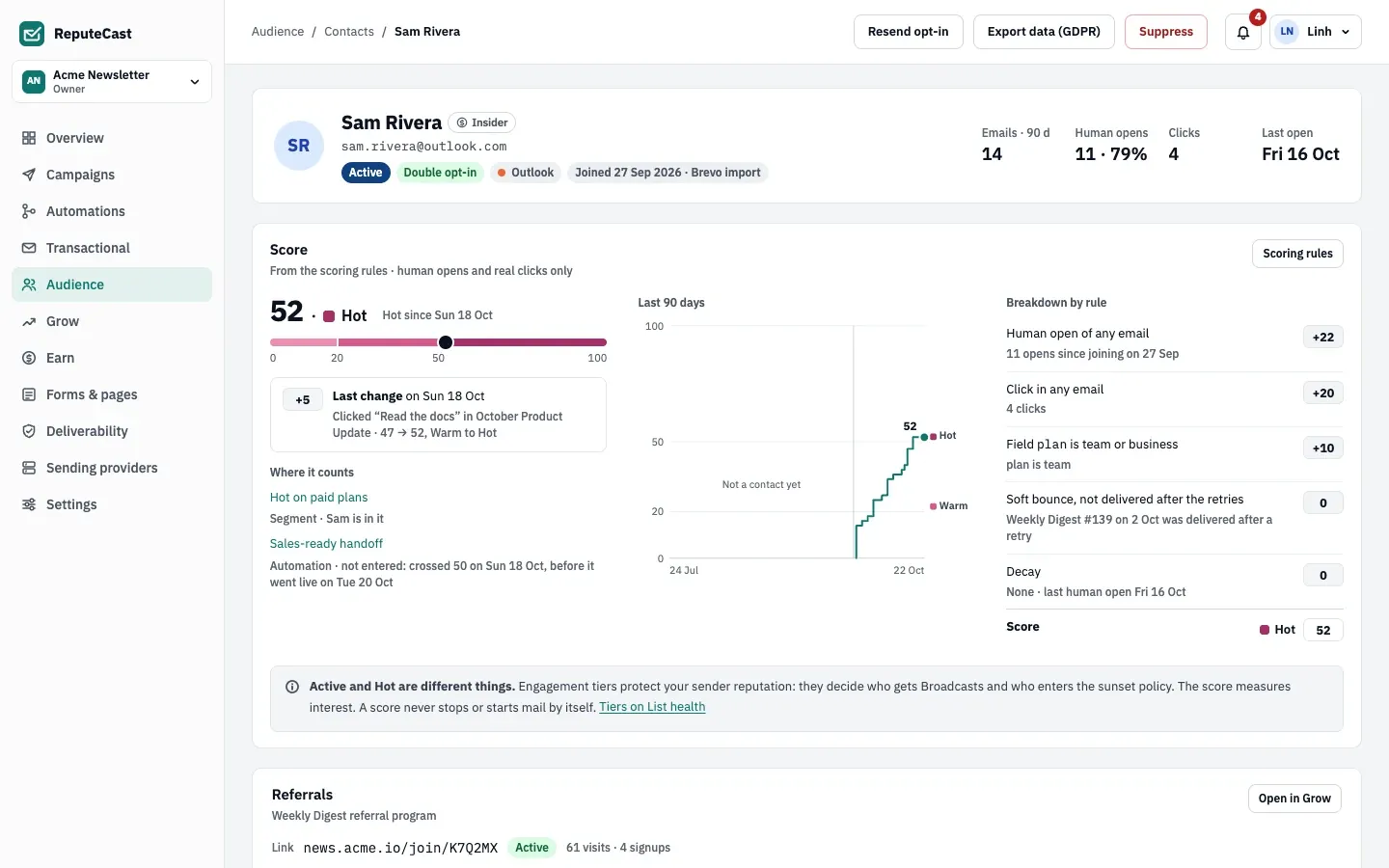
- Access requests. Export data (GDPR) on a contact’s profile downloads everything
ReputeCast stores about that person as JSON: the profile and custom fields, consent evidence, every message with its
stream and delivery status, the activity timeline and any suppression. It needs
subscribers:export, and each export is recorded in the audit log. - Erasure. Select contacts under Audience, then Contacts, then
Delete, and type the number of contacts to confirm. Names, fields, tags, list
memberships, consent history and preferences are removed, and the address is replaced; campaign statistics keep
their counts without the person. It needs
subscribers:delete.
Defaults and limits
Section titled “Defaults and limits”Signup forms collect consent the same way on every site:
| Setting | Default | How to change |
|---|---|---|
| Double opt-in on a new form | On | Form builder |
| Confirmation reminder | One reminder 24 hours after the confirmation email | Fixed |
| Confirmations wait for a System provider | Up to 3 days | Fixed; then the signups are listed as waiting for 30 days with copyable links |
| Suspicious submission held for a Turnstile check | 30 minutes | Form builder › Turnstile |
| Submissions faster than this look automated | 3 s | API minSeconds, 0–60 |
| Submissions per IP address | 5 per minute across the workspace's forms | API rateLimitPerIp, 1–120 |
| Submissions per form | 120 per minute | Fixed |
| Popup timing | Opens after 8 s; stays closed for 14 days after it's dismissed | Form builder › Opens after (0–600 s), Or scrolled (0–100%), Closed for (0–365 days) |
| Pause options in the preference center | 30 or 90 days | Forms & pages › Pages › preference center |
| Download link after a form signup | 7 days | Form builder › Links work for, 1–30 days |
When to change them
Section titled “When to change them”- Keep double opt-in on. Turn it off for a form only if you are sure the law that applies to your readers allows single opt-in, and you still record where each signup came from.
- Export a contact’s data before you erase it when the person asked for both.
- Review consent text whenever your publication or what you send changes, because each signup records the version it was given.